Think of an app you tried once: a photo tool, a travel service, perhaps a calendar organiser. You stopped opening it. But the more revealing place to look may be the account you used to connect it.
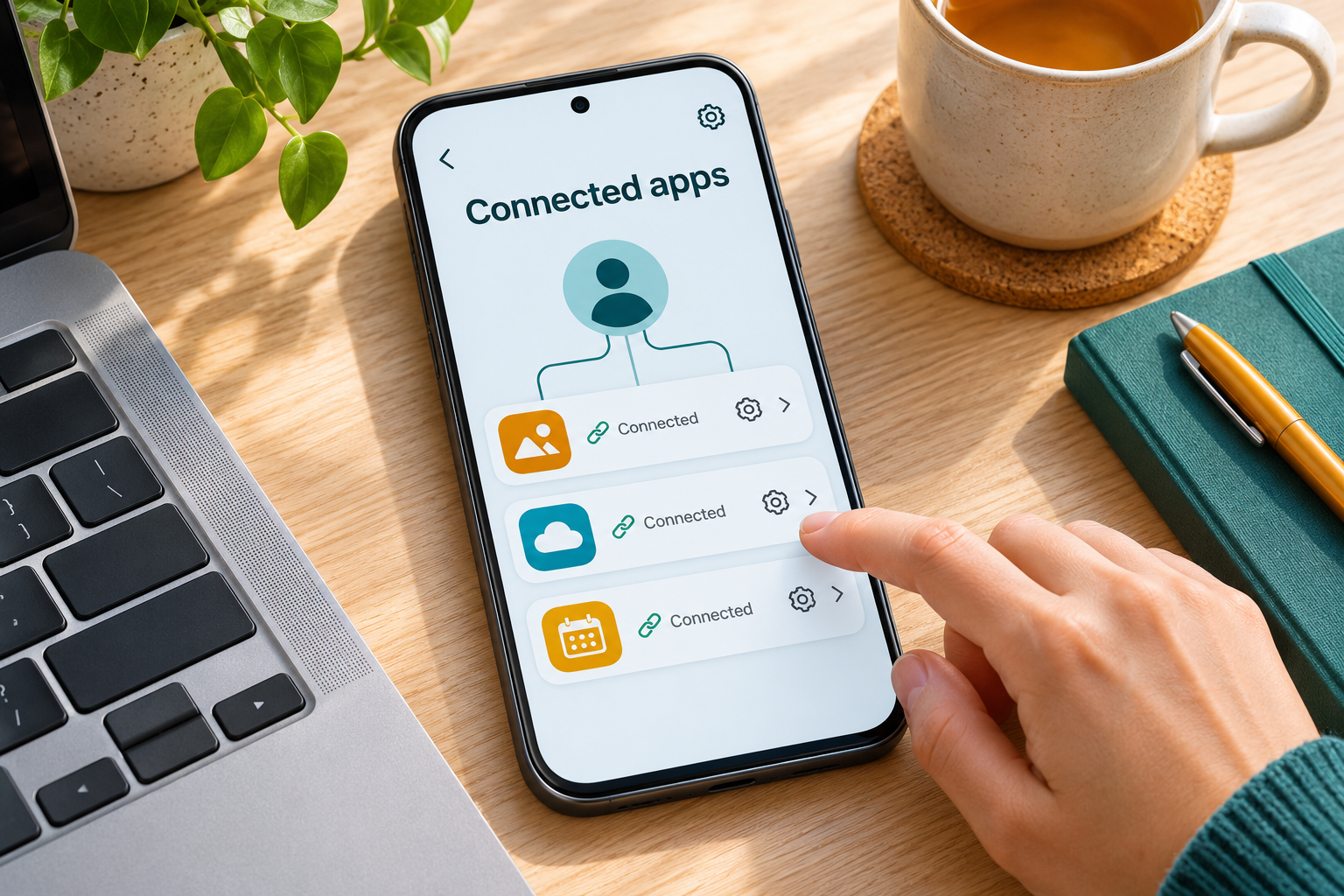
A phone’s home screen shows installed apps. An account’s connections page answers a different question: which services remain linked, and what kind of connection do they have? The list may contain a familiar name you have not thought about in years.
1. Even deleting an app account can leave a link listed
Google explains that your Google Account and an account with another developer remain separate. If you delete the other app’s account, the app may not notify Google. It can therefore remain visible as a linked app in your Google Account.
Google directs users to the linked-apps page to revoke previously granted access. An old entry is a reason to inspect its details, rather than proof that someone has been misusing data. Google’s explanation of separate accounts.
2. A connection does not always mean the same permission
Google distinguishes basic profile information from permission to view, copy or manage account data. Signing in can share a name, email address and profile picture. Other permissions may cover particular products or actions.
For example, authorising access to Calendar does not automatically authorise access to Photos. Some permissions can allow changes, such as creating or deleting calendar events. Read the actual access list before deciding what an unfamiliar connection means. Google’s access guide.
3. Start with the details of one old connection
Open your Google Account’s linked-apps page and select the service you want to inspect. Google’s guide distinguishes Sign in with Google, linked accounts, and apps with access to Google Account data. Select See details where available.
For an app with data access, review the permissions before using Remove access. Removing a sign-in connection has a different effect from removing data access. If the service matters to you, check how you will sign in and which features depend on the link first. Review Google’s connection controls.