
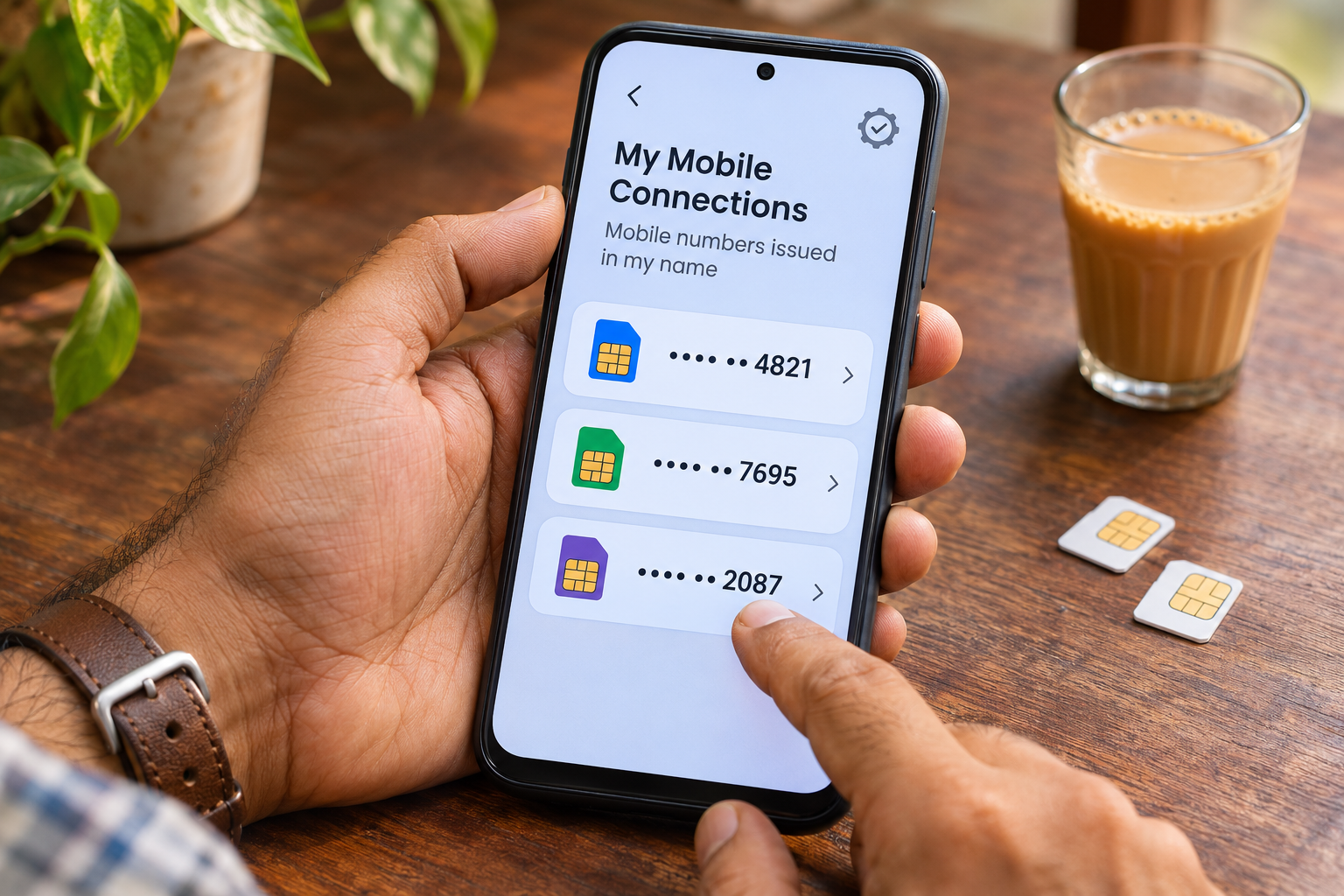
You know the mobile number you use every day. You may also remember a second SIM, a number from an old handset or a connection you stopped using. But memory is not the only way to check the mobile connections issued in your name.
India’s Department of Telecommunications provides a service for that through Sanchar Saathi. It offers a practical reason to look beyond the SIM currently inside your phone: you can review the connections shown and report one you did not take or no longer require.
This is an independent guide from Kingbuiltbullies, not a government service. Use the official links below for the check. This article does not ask you to submit a mobile number, identity document or OTP.
1. The service has a specific job
The National Portal of India describes Sanchar Saathi as a Department of Telecommunications initiative for mobile subscribers. Its services include managing connections issued in your name, requesting disconnection of unnecessary connections, tracing lost phones and checking a handset’s authenticity.
The mobile-connections service is associated with TAFCOP. It answers a different question from looking at the SIM settings on a handset: which connections appear in the service’s records under your identity? The National Portal’s description is a useful place to verify what the service is.
2. Look at the entries before drawing conclusions
In an October 2026 update, the Ministry of Communications described the service as a way to check connections issued on your identity and report those you did not take or no longer require.
Review unfamiliar entries carefully. An old connection and a connection you never requested are different situations. A number you do not immediately recognise is a reason to investigate its details, rather than proof by itself that fraud has occurred. Read the ministry’s current service summary.
3. Begin on the official website
Open sancharsaathi.gov.in and look for Know mobile connections in your name. The government-supported Vikaspedia guide describes entering your mobile number and authenticating with the OTP received on it to view the list.
Follow the instructions on the official service itself; screens and wording can change. Enter an OTP only into the official flow you started. There is no need to send it to this publisher or to someone offering to do the check for you. Vikaspedia’s step-by-step guide.